How to play updraft: one button cave flying controls
Updated
On this page
updraft is a one-button cave flying game you play in the browser. A small drone flies through a cave that never ends, you have one control, and the cave keeps getting narrower and faster until you touch something. Your score is the distance in metres. The page keeps working if your connection drops after it has loaded, because the whole flight is simulated in your browser.
This guide covers the part that actually decides runs: how much height a tap buys you, how that compares with the gap in front of you, and how long you have to decide. The numbers come from the game’s own configuration.
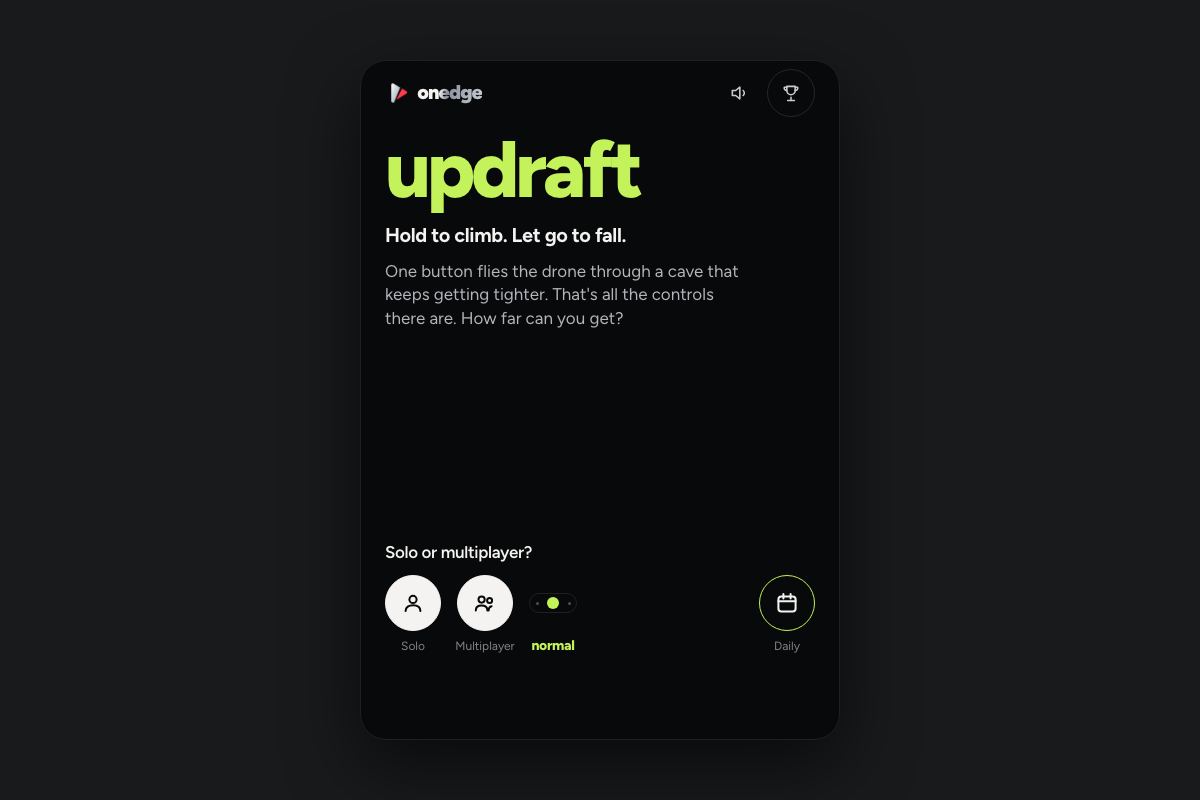 The level selector sits beside the mode buttons. The level changes the cave and the speed, never the controls, so a tap means the same thing on all three.
What the one button really controls
You do not set the drone’s height. You set its vertical acceleration, and the height follows. Holding accelerates the drone upward at 143 units per second squared. Releasing lets gravity accelerate it downward at 87.5. That makes the hold about 1.6 times as strong as the fall, which is deliberate: the game’s code comments call it a responsive hold and a forgiving release. Vertical speed is capped at 95 units per second.
The drone is never stopped by letting go. It keeps the speed you built and gravity has to burn it off first. Take a hold of 0.2 seconds from a standstill:
- The drone reaches 28.7 units per second upward and has risen 2.9 units.
- After you release, it keeps rising for another 0.33 seconds and 4.7 units before it peaks.
- Total rise: 7.6 units, and 62 percent of it happened after your finger was off the button.
That 62 percent is the same for any hold shorter than about 0.66 seconds, and the time spent still rising after release is always about 1.6 times the time you held. So the real question on every tap is not “where is the drone” but “where will it peak if I let go now”.
How long a hold fits the gap
The drone is 4.8 units across (radius 2.4), so the room it has to move inside a gap is the gap minus 4.8. Starting from rest in the middle of a flat stretch, the largest hold that peaks without touching the wall is:
| Level and moment | Gap | Room to move | Longest hold from rest, centred |
|---|---|---|---|
| easy, start | 64 | 59.2 | 0.40 s |
| easy, tightest | 40 | 35.2 | 0.31 s |
| normal, start | 56 | 51.2 | 0.37 s |
| normal, tightest | 32 | 27.2 | 0.27 s |
| hard, start | 48 | 43.2 | 0.34 s |
| hard, tightest | 27 | 22.2 | 0.24 s |
These are ceilings for the simplest case, a straight cave and a drone at rest in the middle. A real cave bends, and you are usually already moving, so working holds are shorter. The useful reading is the trend: from the start of a hard run to its tightest point the longest safe hold falls from 0.34 to 0.24 seconds, so the habits that worked early stop working without any warning. Falling is the gentler direction. From rest in the middle of that tightest hard gap, gravity takes about half a second to bring the drone to a wall.
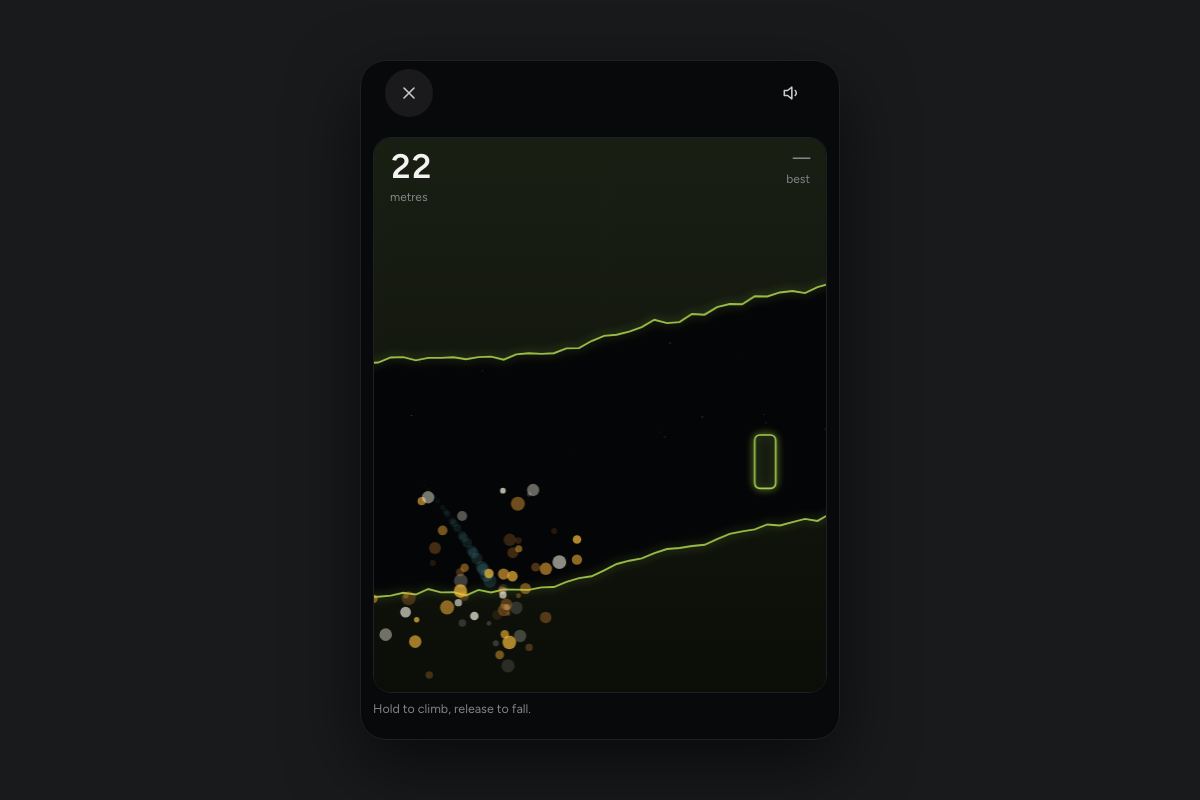 A crash at 22 m with a block still ahead. The drone sits 26 percent across the view, so the cave to its right is what you can plan for. Judge each tap by where the drone will peak, not where it is now.
How far ahead you can see
The drone sits 26 percent of the way across a view that is always 108 units wide, so you see about 80 units of cave ahead no matter how big your screen is. That distance covers less time as the cave speeds up:
| Speed (units per second) | Seconds of cave visible ahead |
|---|---|
| 40 (easy start) | 2.0 |
| 46 (normal start) | 1.7 |
| 54 (hard start) | 1.5 |
| 66 (easy top) | 1.2 |
| 78 (normal top) | 1.0 |
| 92 (hard top) | 0.87 |
A wider monitor does not change this, and a phone does not shrink it. Late on hard you are choosing a side of a block less than a second before you reach it, which is why the rhythm has to be set up earlier than feels natural.
Blocks and why there is always a way past
Blocks are glowing slabs 5 units wide that appear in the middle of the cave on every level. Touching one ends the run, like a wall, although the block hit-test is slightly forgiving (92 percent of the drone’s radius). The first block appears at about 66 m on easy, 52 m on normal and 40 m on hard. After that they come every 47, 38 and 29 m on average, with a random spacing between 70 and 130 percent of that.
After placing each block the generator measures the space above and below it, inside the walls. If neither side is at least 10 units wide it moves or shrinks the block until one is. The tests check this over 10,000 units of cave on every level. So every block can be passed on at least one side, with a passage a bit more than twice the drone’s width. The skill is choosing the wider side early and committing before you reach it.
The three levels, in numbers
| easy | normal | hard | |
|---|---|---|---|
| Gap at the start | 64 | 56 | 48 |
| Narrowest gap | 40 | 32 | 27 |
| Gap stops shrinking at | 1,000 m | 1,000 m | 875 m |
| Speed at the start | 40 | 46 | 54 |
| Top speed | 66 | 78 | 92 |
| Top speed reached at | 722 m | 889 m | 1,056 m |
| Time to reach 250 m | 11.3 s | 9.9 s | 8.6 s |
| Time to reach 500 m | 20.6 s | 18.3 s | 16.0 s |
| Time to reach 1,000 m | 36.2 s | 32.2 s | 28.4 s |
Gaps and speeds are in the game’s own units, where 2 units make a metre. The gap shrinks by 0.012 units for every unit travelled and speed grows by 0.018 units per second for every unit travelled, until each reaches its limit. The times are what that arithmetic gives for a flight that survives, so they show how much sooner hard asks for the same distance.
On hard, the gap stops narrowing at 875 m but speed keeps rising to 1,056 m, so the last stretch of the ramp asks for faster decisions rather than smaller holds. The cave also bends harder as you go: its up and down drift starts at 35 percent of full strength and reaches it at about 455 m.
A practice routine that matches the levels
- Learn tap size on easy. Ignore distance. Try holds of about 0.1 to 0.2 seconds and watch where the drone peaks. The goal is to feel the 1.6 times coast, not to score.
- Move to normal and aim for the first 500 m cleanly. That is about 18 seconds, and the cave has not yet reached its tightest point. If you are dying to the first block, the problem is choosing a side late.
- Use hard to test your reading, not your reflexes. Its tightest gap needs holds under a quarter of a second. Short, regular taps that keep the drone near the middle beat any plan of making big corrections.
- Replay one cave with a challenge link. The same walls and blocks make a failure repeatable: you can see exactly which block ended the last attempt.
Mistakes the mechanics explain
- Holding until the drone reaches the target height. It will keep rising for about 1.6 times as long as you held. Release before the crest.
- Correcting a correction. After a big hold the drone is still travelling fast. A second hold in the opposite phase stacks on the first. Let the first peak settle before moving again.
- Watching the drone instead of the gap. The drone is the one thing you cannot change in the next 0.3 seconds. The wall and block ahead are the part you can plan for.
- Changing sides at a block. Crossing a block’s height at the last moment puts the drone beside the 5 unit wide slab at its tightest point. Pick the wider side while the block is still far ahead.
- Reading the scrape as a bonus. The scrape sound warns that a wall is within 2.5 units. It adds no points.
The daily cave and challenge links, and what they guarantee
Daily mode builds each level’s cave from the UTC day number and the level name, so every player sees the same cave on that level that day. The cave is generated in your browser from one 32-bit seed, with a separate seeded random source for each three-unit segment. That is why it comes out identical however far ahead the game has generated it. The simulation steps 120 times a second on every device, and the tests pin identical results at 60 and 144 Hz displays.
The first flight you start on a level each day is the scored one. The drone takes off by itself when the ready, set, go countdown ends, and that is when the day’s mark is saved on your device, so crashing on the first wall still uses it up. Backing out during the countdown does not. Later flights are daily practice and send nothing from the normal client. The server accepts the first daily result for your browser identity and level, but can also store a later result that improves your personal best on that level. Normal play stores a flight only if it beats that level’s best.
What this does not guarantee: the mark lives in your browser, so it is not a lock across devices, and a score is only sent if the game could register the flight at take-off. The server also runs a plausibility check, rejecting any distance that would be impossible in the elapsed time at that level’s top speed plus a three second start allowance. That is a sanity check on the number, not a proof that the flight was played by hand.
After a flight, challenge a friend shares a link carrying the cave’s seed, the level and your distance. It replays the same cave, not your inputs, and links from the site’s earlier address still open. The share text draws a green square for each 50 m you survived and a red one where you crashed, then adds your time and tap count.
How the game is built
Some of the choices behind the feel are visible in the repository. The physics runs on a fixed 1/120 second step, never on frame counts, so a 144 Hz laptop and a slow phone fly the same flight. The cave generator draws from the seed per segment instead of from one running stream. Climb is deliberately stronger than fall. Block placement was tightened to guarantee a passage wider than twice the drone, after being checked over long stretches of cave, and the repository’s difficulty tests include a delayed autopilot used to check that the three levels separate. One limit to be honest about: the simulation is equal across devices, but touch latency and screen response are not, so a laggy display can cost you reaction time that the numbers above do not model.
Related flights and physics games
- graze rewards close passes, unlike updraft’s distance score.
- deadband also punishes overcorrection and asks you to read momentum before making another input.
- wreck trades flight control for running, jumping and shooting through a moving course.
Frequently asked
Why do I crash even when I seem to be in the middle of the gap? Because the drone is moving. If it has upward speed from an earlier hold, it keeps rising for about 1.6 times as long as that hold lasted. Aim for where it will peak, not where it is.
Is hard just easy but faster? No. It also starts with a gap of 48 against 64, narrows to 27 against 40, and sets blocks about every 29 m against 47. The climb and fall strength are identical on every level, so the difference is how little room a given tap leaves you.
Does anything other than distance count? No. There are no bonuses for scrapes, taps, speed or difficulty. The result screen shows your time in the air and tap count, but only metres are the score, and each level has its own personal best and leaderboard.
Can I pause? Hiding the tab (switching tabs or minimising the window) pauses the flight, and holding again carries on.
Do I need an account or a connection? No account. A connection is only needed for leaderboard submission and multiplayer rooms, not for flying.
Which keys work? Space, W and the Up arrow all hold the climb. Touch and mouse work by holding anywhere inside the flight arena.
Written by the developer from the game's own code. Spot a mistake? hello@onedge.fun